
Your Apple Watch Is Lying to You: 5 Fitness Tracker Mistakes That Kill Results
Your Apple Watch isn't as accurate as you think. While it's a useful tool for building habits and staying motivated, relying too heavily on its data can actually derail your fitness progress.
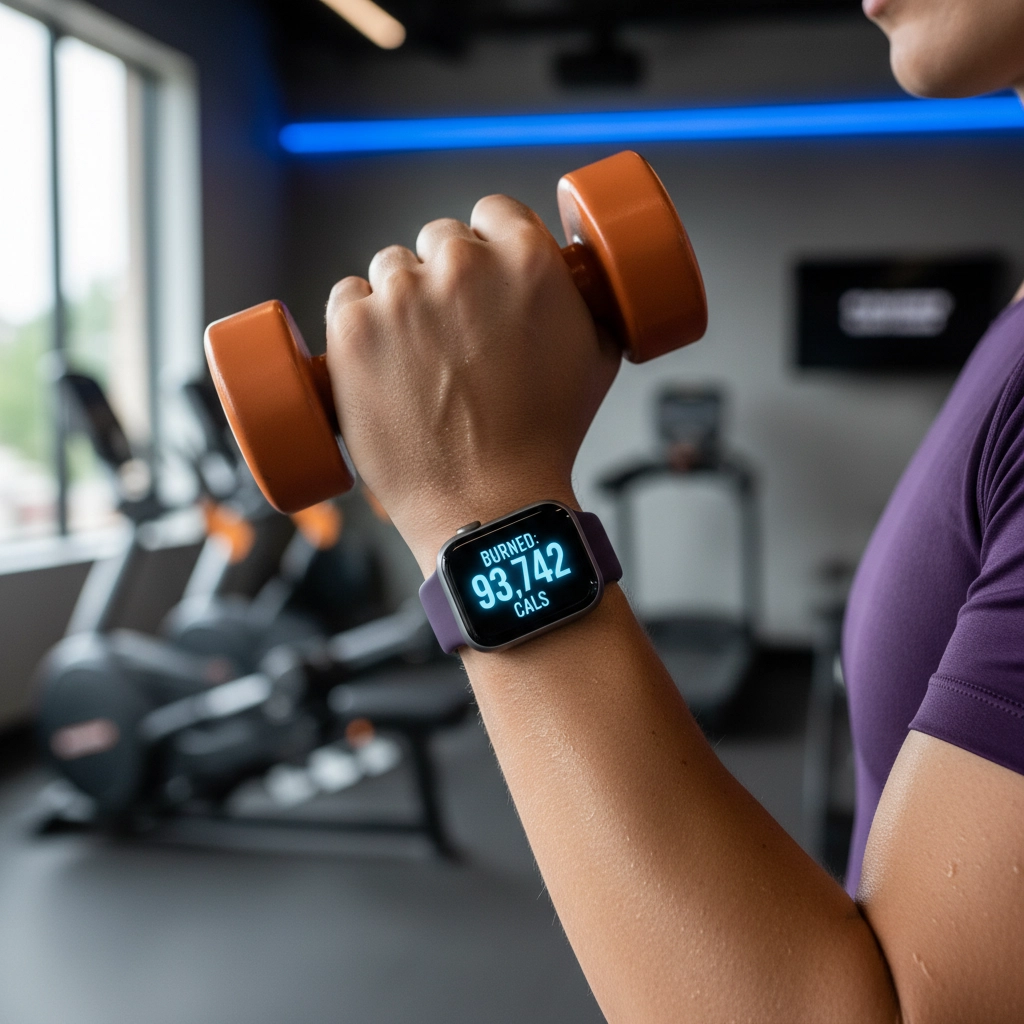
Recent research analyzing 56 studies found that Apple Watches are pretty good at tracking heart rate: with just a 4.4% error rate. But when it comes to calories? The average error jumps to 27%. That means when your watch says you burned 1,000 calories, you might have actually burned anywhere from 730 to 1,270 calories.
If you're using these numbers to guide your nutrition or create a calorie deficit, that's a problem. Here are five common mistakes that make your fitness tracker less reliable: and what to do about them.
Mistake #1: Treating Calorie Counts as Gospel
The biggest issue with fitness trackers isn't that they're slightly off: it's that they can be dramatically wrong, especially for calorie estimates.
Your Apple Watch uses limited data points compared to professional monitoring equipment. It factors in your heart rate, movement patterns, age, weight, and gender, but it's still making educated guesses based on population averages. Your actual metabolism, body composition, and individual movement efficiency can vary significantly from these averages.
Some activities get wildly overestimated while others are undercounted. The watch tends to struggle with:
Stop-and-go activities
Resistance training
Activities with varied intensity
Upper body movements without corresponding heart rate changes
What to do instead: Use your watch's calorie data as a rough guide for relative effort between workouts, not as precise numbers for nutrition planning. Focus on trends over time rather than daily accuracy.
Mistake #2: Never Calibrating Your Device
Most people skip calibration entirely, which makes accuracy problems worse. Your Apple Watch learns your unique stride length, arm swing, and fitness level through calibration: especially important when GPS isn't available or reliable.
Without calibration, the watch relies on generic algorithms that assume your movement patterns match population averages. For someone with a longer or shorter stride, different arm swing patterns, or unique gait mechanics, this creates compounding errors over time.
What to do instead: Calibrate your watch by doing a 20-minute outdoor walk or run with GPS enabled. This helps the watch learn your specific movement patterns. Recalibrate every few months or after significant fitness changes.
Mistake #3: Poor Fit and Placement
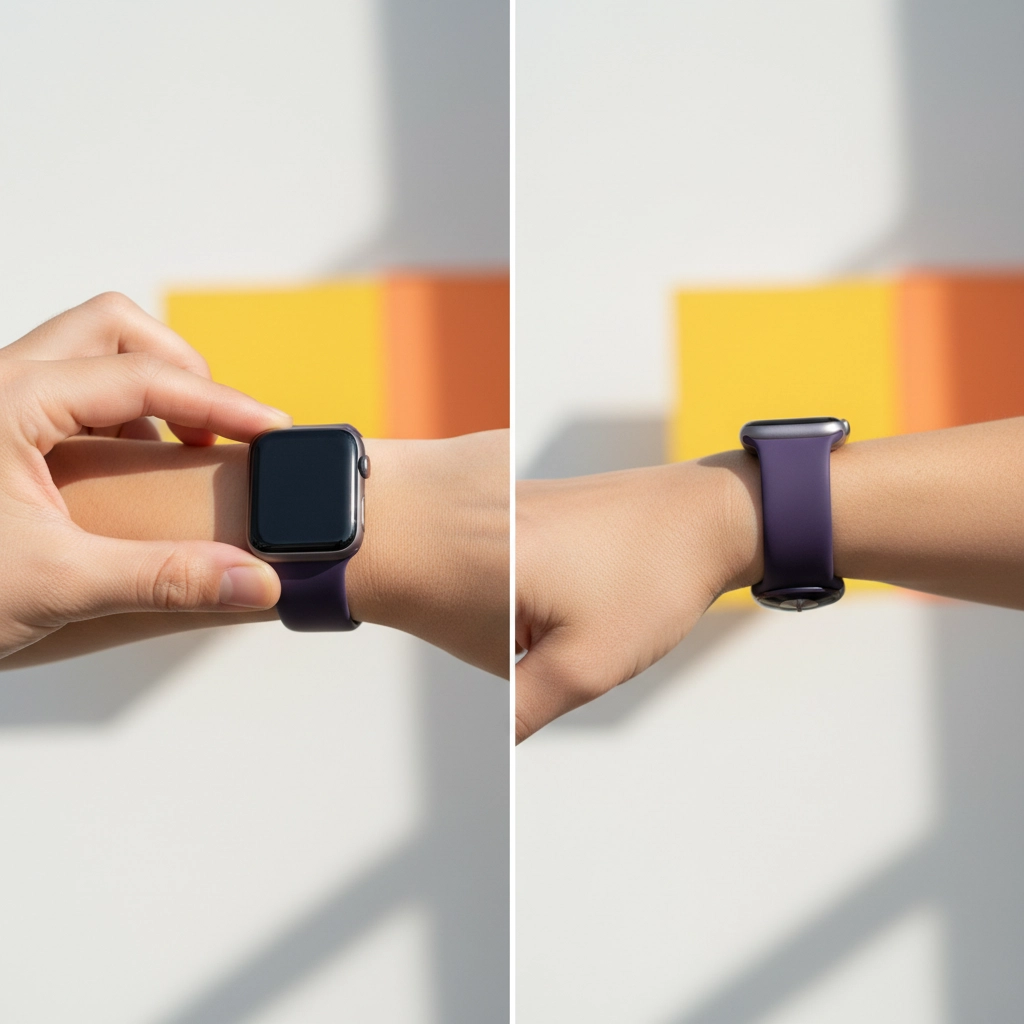
How you wear your Apple Watch directly affects sensor accuracy. A loose watch bounces around and loses consistent skin contact, leading to erratic heart rate readings. Wearing it too far down your wrist, away from the wrist bone, also reduces accuracy.
Physical factors can interfere too. Tattoos, scars, or even very dark skin can block the optical sensors that measure heart rate. Cold weather, when blood flow to extremities decreases, also affects sensor performance.
What to do instead: Wear your watch snug but not uncomfortably tight, positioned on top of your wrist bone. For workouts, tighten it slightly more than you would for daily wear. If you have tattoos or scars affecting sensor contact, consider switching wrists or using a chest strap heart rate monitor for more accurate cardio tracking.
Mistake #4: Expecting Equal Accuracy Across All Activities
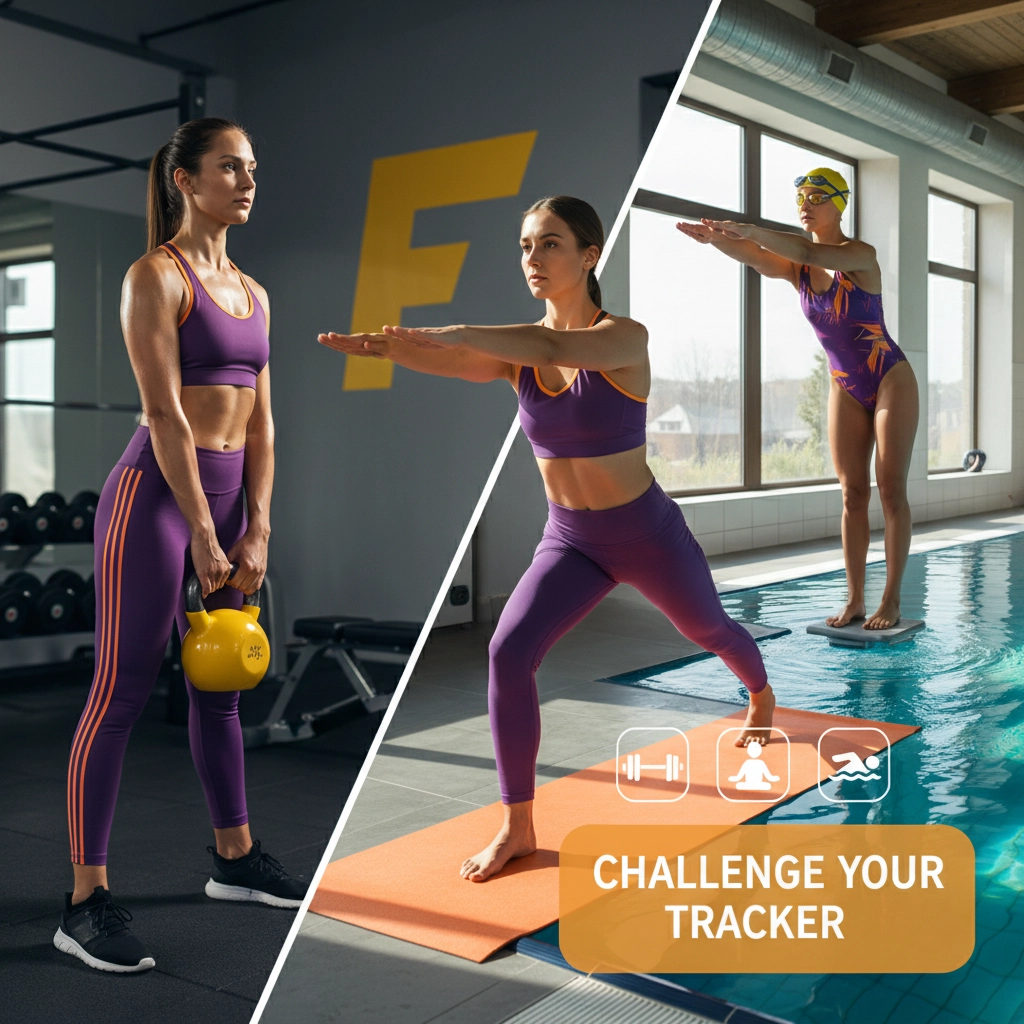
Your Apple Watch works best for rhythmic, continuous activities like walking, running, and cycling. It struggles significantly with:
Resistance training: The watch can't accurately measure the metabolic cost of lifting weights. Static holds, eccentric movements, and rest periods between sets confuse the algorithms designed for continuous movement.
Yoga and stretching: Low heart rate activities with varied positioning don't register properly on movement-based sensors.
Swimming: Despite being "water resistant," the watch often misrepresents swimming data due to water interference with sensors.
High-intensity intervals: Rapid heart rate changes can outpace the sensor's ability to track accurately.
What to do instead: For activities where your watch struggles, use it to track duration and frequency rather than relying on calorie or intensity data. Consider supplementing with other tools: like a chest strap for accurate heart rate during lifting, or simply tracking sets, reps, and weights in a notebook.
Mistake #5: Ignoring Environmental and Technical Factors
Environmental conditions significantly impact sensor performance in ways most users don't realize:
Extreme temperatures (hot or cold) affect sensor accuracy
High humidity interferes with skin contact
Altitude changes can throw off heart rate algorithms
Poor GPS signal affects distance and pace calculations
Software issues matter too. Running outdated firmware reduces accuracy, and even with updates, the algorithms are constantly being refined. What worked well last year might be improved or changed in the current version.
What to do instead: Keep your watch updated with the latest software. Be aware that data might be less reliable during extreme weather or at altitude. If you're training in challenging conditions regularly, consider your watch data as approximate rather than precise.
The Real Way to Use Your Fitness Tracker
Here's the thing: your Apple Watch is still useful: just not in the way most people think.
Use it for habits, not precision. The watch excels at helping you build consistent exercise habits. Did you move today? Are you being more active this week than last week? These trends matter more than exact calorie counts.
Track effort, not just numbers. Pay attention to how hard workouts feel relative to your heart rate zones. Over time, you'll develop a better sense of your actual exertion levels independent of what the watch displays.
Supplement with other measures. For nutrition planning, use your watch data as one input among many. Track your energy levels, sleep quality, strength gains, and how your clothes fit. These provide better feedback than calories alone.
Consider specialized tools for specific needs. If you need highly accurate heart rate data for medical reasons or precise training zones, invest in a chest strap heart rate monitor. For calorie tracking, remember that even the best devices have significant margins of error.
The bottom line: your Apple Watch works well as a motivational tool and habit tracker, but it shouldn't be your only source of fitness data. Use it to encourage consistency and track general trends, not as a precise measurement device. Focus on how you feel, your performance improvements, and objective measures like strength gains rather than fixating on the exact numbers your watch displays.
Understanding these limitations doesn't make your Apple Watch useless: it makes you a smarter user who can leverage the technology effectively while avoiding common pitfalls that derail results.
Comments